December 19, 2024
AI Icons and Illustrations: Leveraging AI Art in Corporate
I’ve always been fascinated by art.
As a kid, I would spend my afternoons sketching at my father’s desk while he was working. Whether it was lazy afternoons or holiday trips, you’d find me wandering around with a notebook in hand, exploring ideas and expressing the world around me
Years later, those early creative instincts became an asset in my work life.
I found ways to channel my painting skills to simplify difficult concepts, add structure, and design visual assets to support my ideas.
Art, in its essence, is a tool for clarity and communication.
The rise of AI in corporate design
Artificial Intelligence (AI) is changing how we design, visualize, and communicate.
What once took me hours of careful sketching can now be produced in minutes with AI art generators.
From AI icons and AI illustration generators to AI mockup creation models, the rise of AI image generators like MidJourney, Leonardo AI or DALL·E has opened a world of possibilities for businesses, designers, and creative thinkers.
AI art technology offers several advantages:
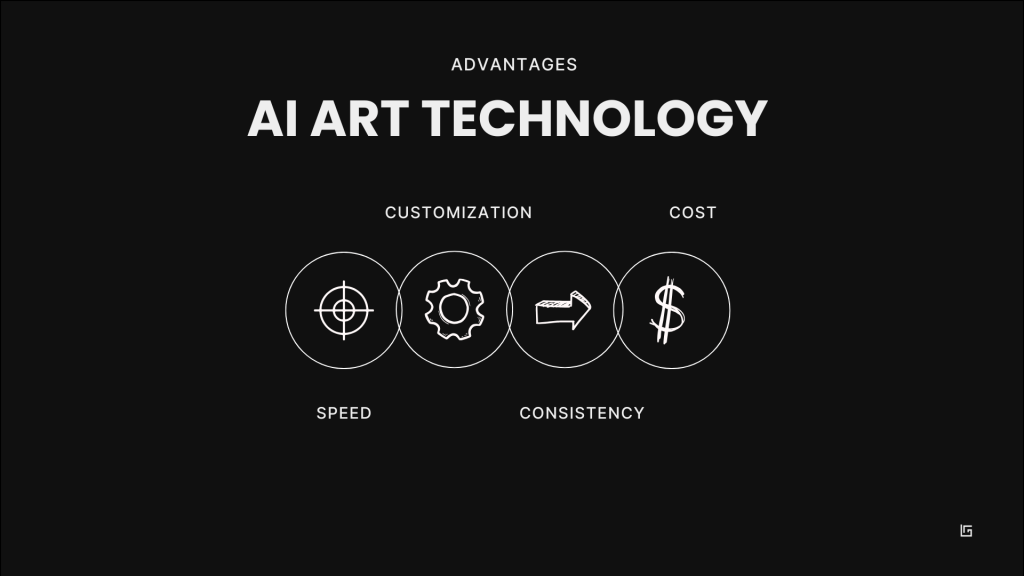
- Speed: Generate multiple visuals options in seconds
- Customization: Easily tailor ilustrations to specific brand guidelines
- Consistency: Create cohesive branding sets with uniform styles
- Cost: Reduce the need for expensive design software or freelancers
In this article, we’ll explore how to use AI art generation tools to create stunning AI icons and illustrations faster than ever before.
Corporate AI Art: Use Cases
Here are some practical ways businesses can leverage AI art:
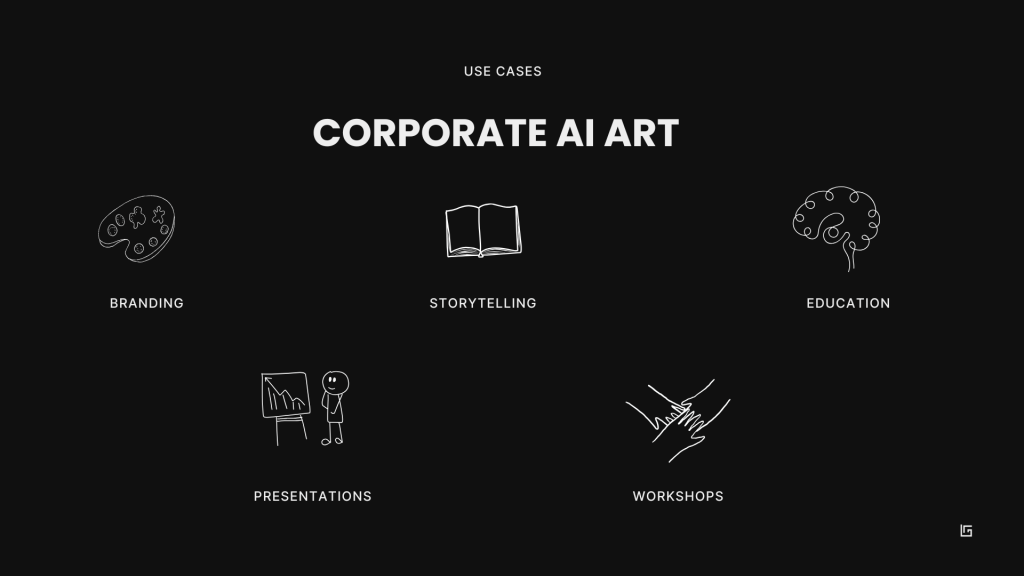
- Branding: Develop a consistent set of visuals that represent your brand’s style. Things like illustrations, logos, stock photos, icons or mockups are now easy to create with AI.
- Presentations: Replace generic stock images with meaningful, AI-generated art that connects with your audience. I use AI illustrations and icons in my presentations, and brainstorm concepts before designing with AI art generators.
- Storytelling: Use custom illustrations for blog posts, ads, newsletters, or social media to visually enhance your content. You can bring characters and avatars to life in seconds and use them in your stories, educational games, presentations or training materials.
- Workshops: Use AI icons and illustrations to create visuals that guide your workshops.
- Education: Simplify complex concepts and enhance training materials with engaging visuals, making learning more interactive and accessible for employees.
I personally use AI art generator to create graphics for presentations, training materials, or workshop concepts. What’s truly powerful about AI image generators is that they make creativity accesible for all.
Top 5 AI icon and AI illustration design tools
– Midjourney
Midjourney is probably my favourite AI image generator. You can use it to create stunning icons and illustrations based on text prompts. Known for its ability to produce highly detailed and imaginative visuals, Midjourney excels in generating AI illustrations and icons that can be tailored to specific styles and themes.
– DALL-E 3
Developed by OpenAI, DALL-E 3 is an advanced AI image generator that creates realistic images from textual descriptions. What I like from DALL-E is that it is integrated in ChatGPT, and it is useful for quick ideas and for brainstorming concepts. This integration enhances its usability, making it accessible for both beginners and experienced designers looking to create eye-catching visuals.
– Flux AI Icon Generator
Flux is an advanced tool that leverages a 12-billion parameter model to generate high-quality icons quickly. It offers multiple model versions (Pro, Dev, Schnell) to cater to different user needs. Flux supports both commercial and non-commercial use, making it a good choice for specific icon creations. Its focus on speed and quality sets it apart in the crowded field of AI design tools.
– Iconik AI
Iconik AI specializes in creating AI icons with ease. What I like from Iconik is its user-friendly interface. You can create multiple design variations in minutes, making it perfect for those who need quick results without learning the specifics of image prompting. Iconik AI also offers customization options that enable users to align their icons with specific branding requirements.
– Recraft
Recraft is designed for users looking to create branded icon sets efficiently. It allows users to generate multiple icons simultaneously while providing precise control over colors and styles. With its focus on brand consistency, Recraft is ideal for those seeking cohesive visual identities across their digital platforms.
A Practical Use Case: Creating AI Icons and Illustrations
Here’s the process I use to create stunning AI visuals:
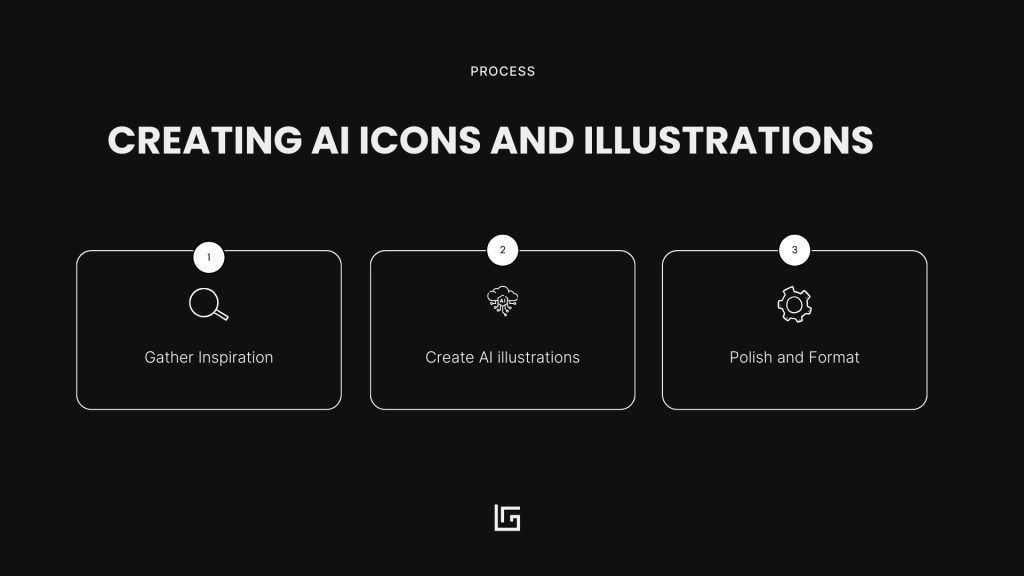
1. Gather Inspiration
This is where the magic begins! Take a moment to browse for visuals that excite you. Snapshots of your favorite icon sets, illustrations from a design magazine, or even inspiration from daily life.
If you’re like me, a hobby artist at heart, grab a sketchbook and start doodling ideas. Let your creativity flow without overthinking it.
2. Create AI illustrations and AI icons sets with different AI image generators
Now it’s time to bring those ideas to life with a little AI magic. AI tools like MidJourney or DALL-E can generate incredible art and visuals in just a few minutes. The key lies in your prompts: describe what you want clearly and concisely. For example, “A sleek, minimalist icon set in grayscale with a professional, corporate style.” Whether it’s bold illustrations, clean icons, or unique visuals, AI makes creating art simple, fast, and accessible.
3. Polish and Format
Once you have your AI-generated icons, it’s all about fine-tuning. Use tools like Adobe Illustrator or Canva to polish the designs and export them into formats that work. Think of SVG for scalability or transparent PNGs for versatility.
How to Create AI Icons and Illustrations – the process in action
1. Gather inspiration
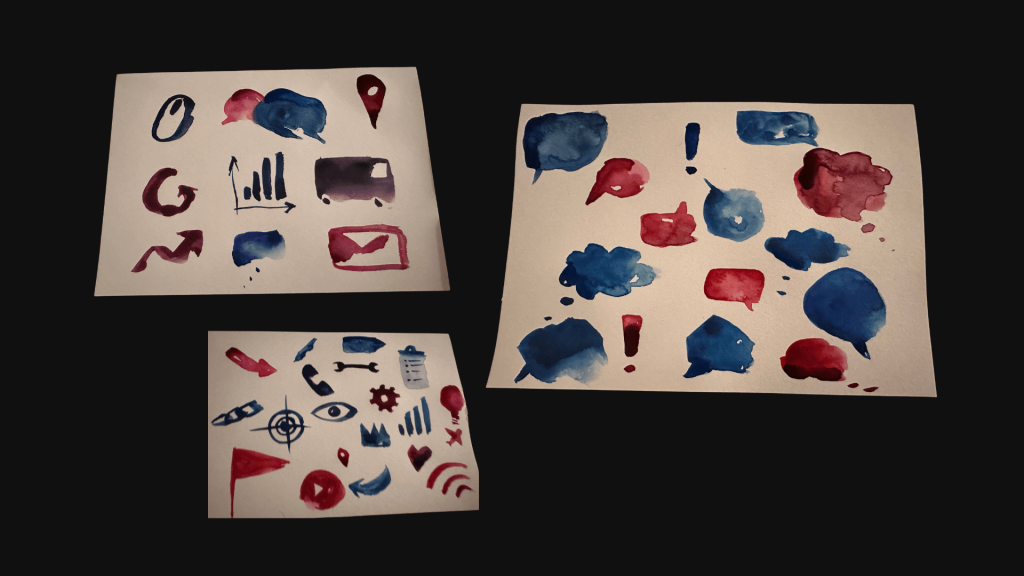
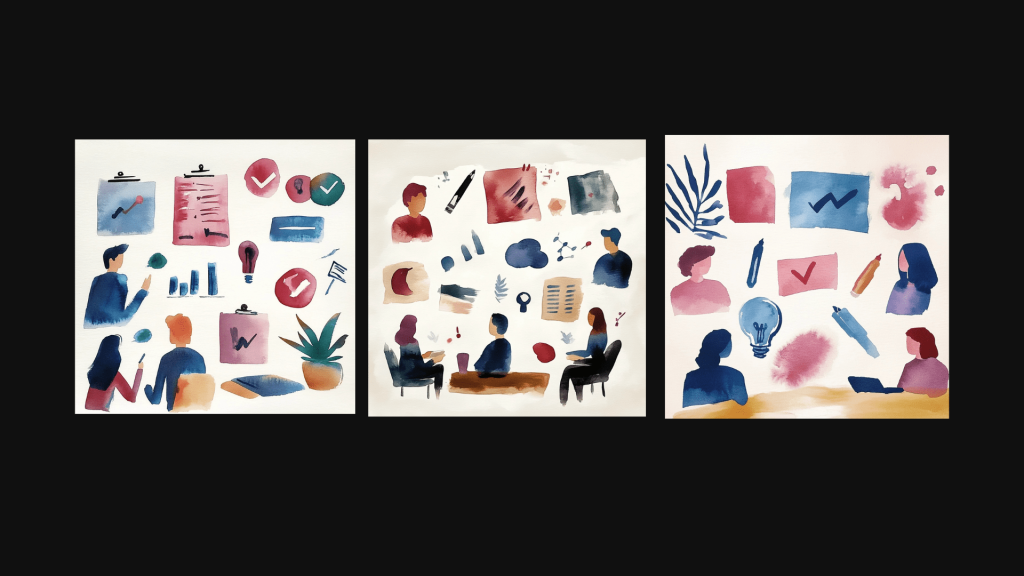
I wanted a set of illustrations that clearly represent our vision and values for Share Enterprises. Magenta stands for femininity and strength, emphasising empowerment, and the watercolour effect adds freshness and agility, reflecting adaptability and creativity.
I began by sketching and drawing some initial ideas for the illustrations:
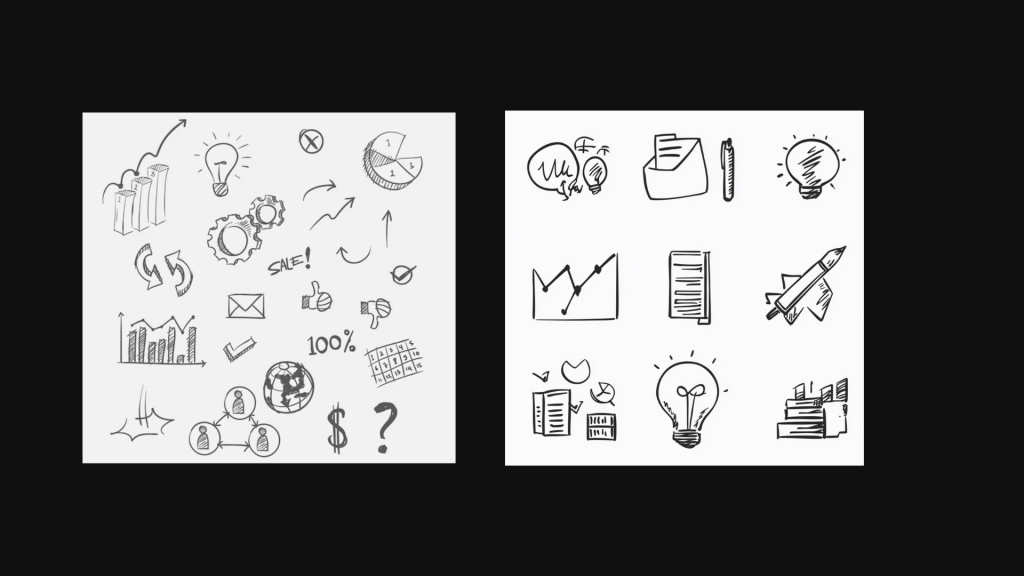
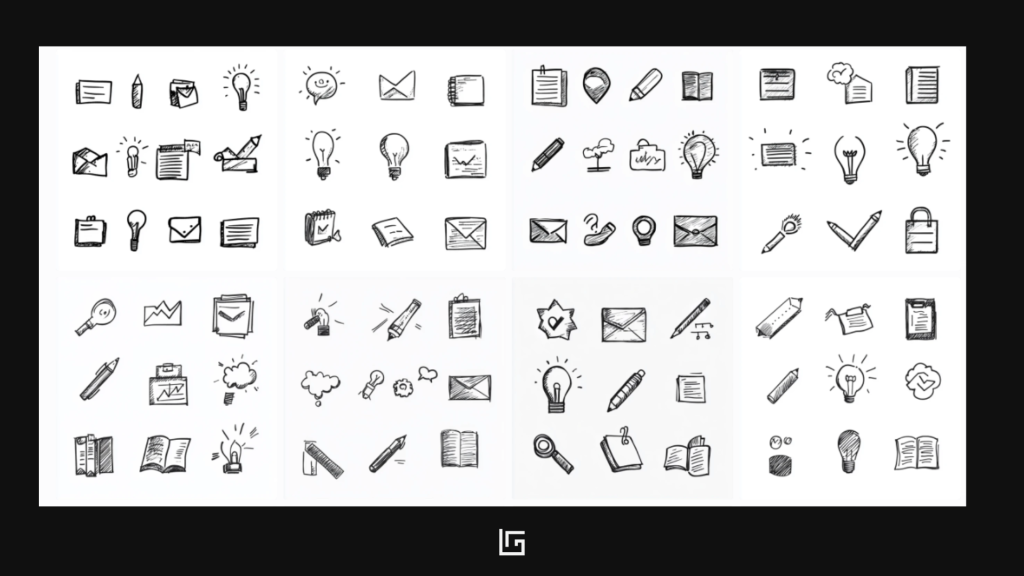
For the icons, I wanted them to be minimalistic, using a hand-drawn, black and white style that reflects simplicity aligning with the human-centric nature of our brand.
2. Create AI icons and AI Illustrations variations
Now we will take the inspiration we’ve gather and we will prompt different AI image generators to get a good set of AI icons and AI illlustrations.
I use the following prompt for the illustrations:
“Business illustrations in watercolour style. Show teamwork, brainstorming, AI, design thinking, leadership, workshops, and remote work. Use soft pastel tones, hand-painted textures, minimal backgrounds, and a consistent watercolour look. Suitable for blogs and presentations.”
I also attach the pictures of my drawings:

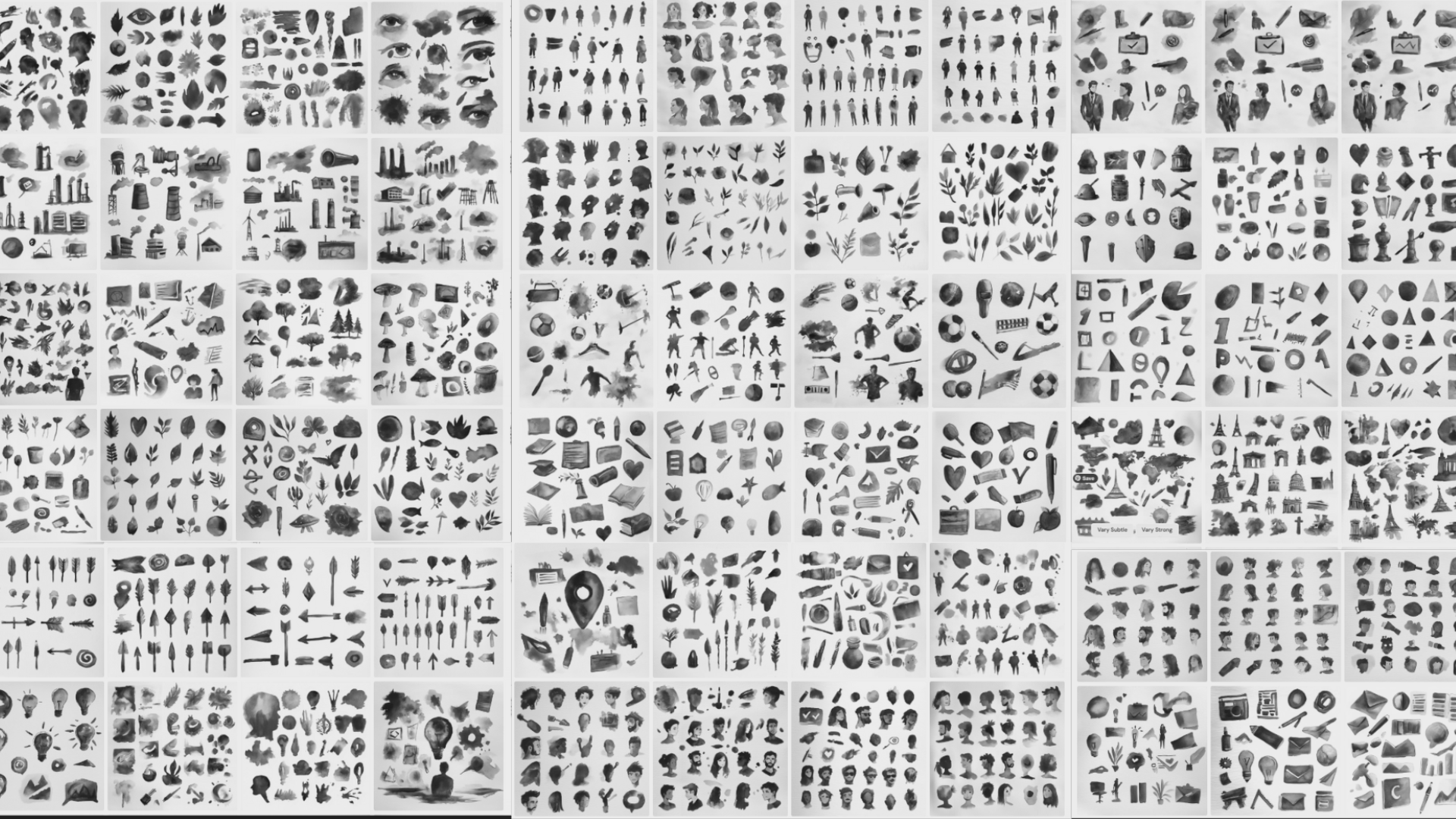
Here is what I get from Midjourney:
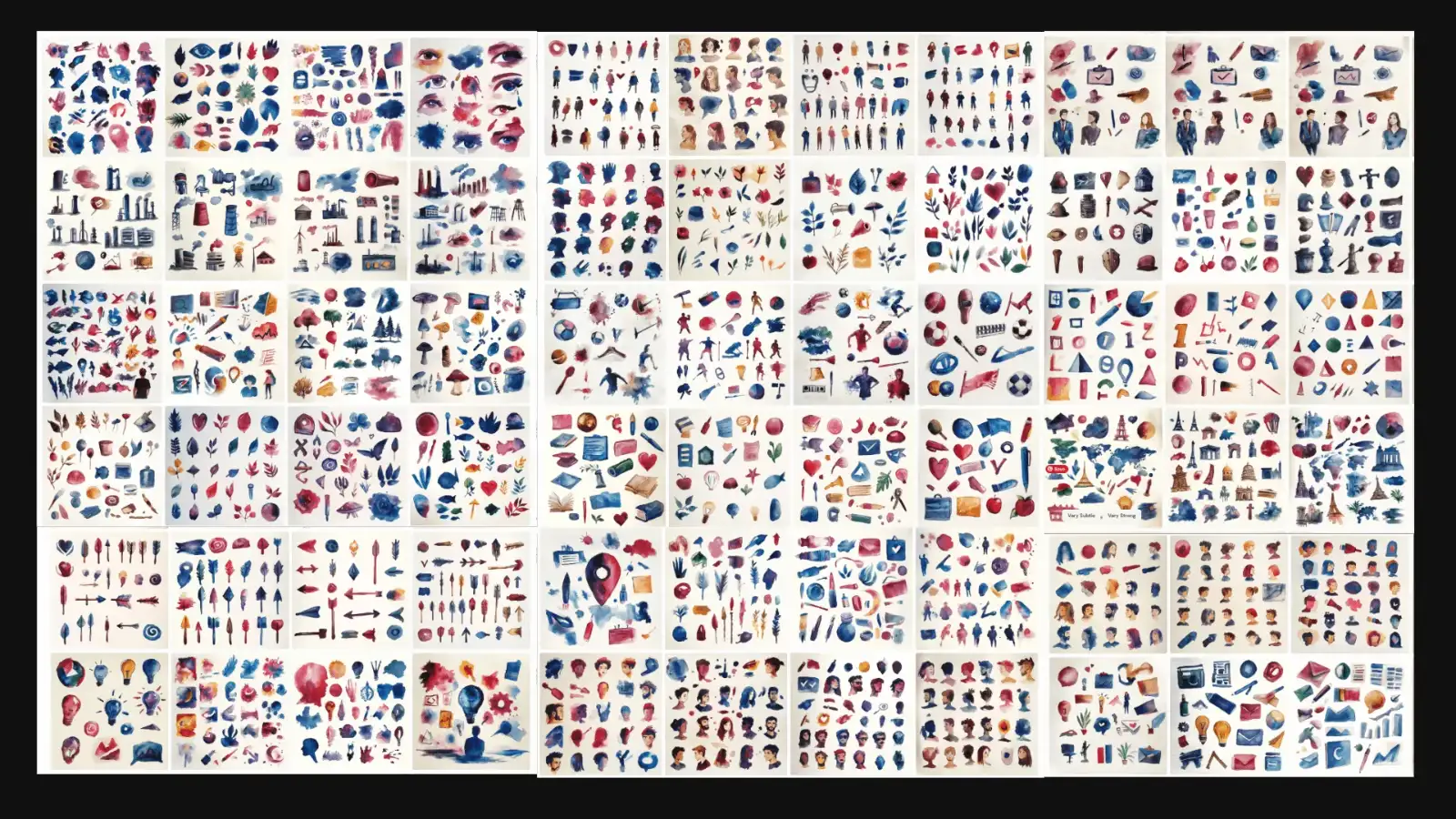
I also create set variations for digital transformation, education, project management, industry and many more. This is how the results look:
For this icons, I use the following prompt:
“Business illustrations in hand-drawn, black and white style. Show teamwork, brainstorming, AI, design thinking, leadership, workshops, and remote work. Use black and white, minimal backgrounds, and a consistent hand sketched style. Suitable for blogs and presentations.”
Again, I attached my snapshots:

And this is what I get:
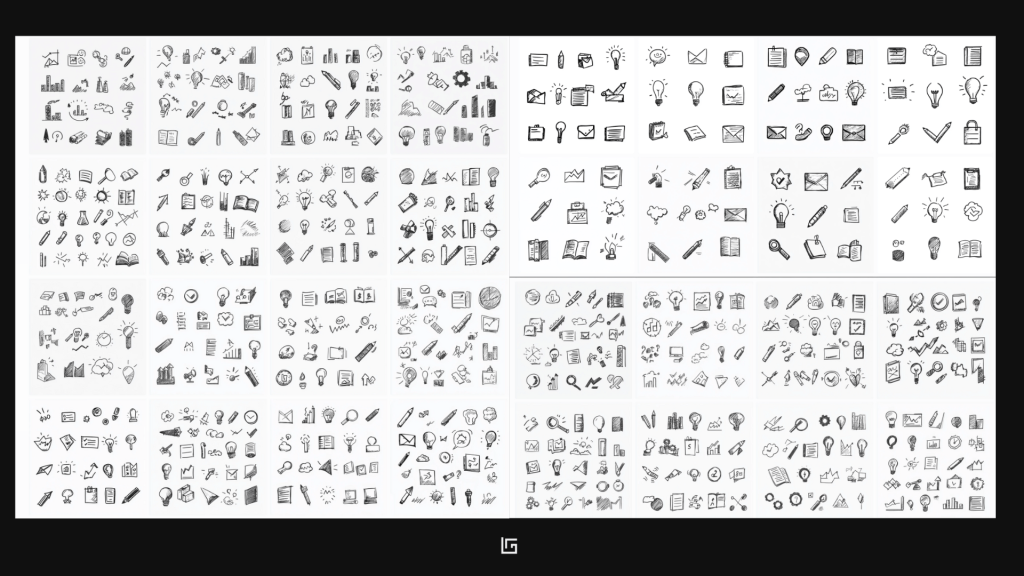
For these hand drawn AI icons, i also create a good set of variations:
Before move to the format, let’s look at some tips prompt well for AI art generators.
How to Structure the Perfect AI Art Prompt
Crafting the perfect prompt is the key to turning your ideas into stunning visuals. Think of it as giving directions to a very creative—but very literal—artist. Here’s the prompt structure:
1. Start with the Subject
What do you want to see? Begin with a clear description of your main subject. For example, instead of just “a woman” try something like “a corporate woman in a meeting room.” Adding actions or moods—like “talking joyfully” or “looking curiously at the window”—makes your subject come alive.
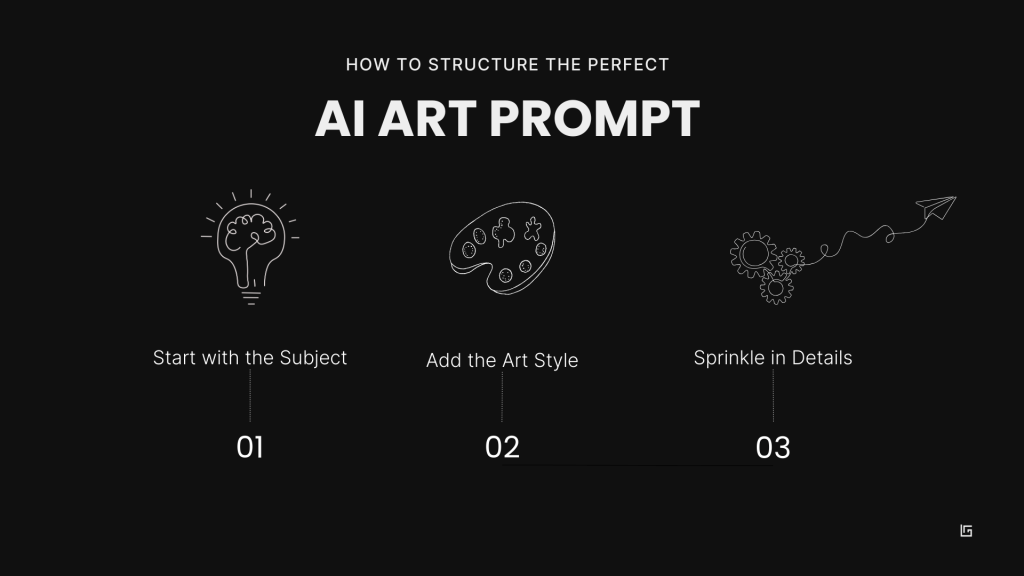
2. Add the Art Style
Choose the style that best matches your vision. Here are 7 popular options to get you started:
- Photorealism – Hyper-detailed and lifelike, resembling professional photography.
- Watercolor Painting – Flowing colors with a soft, hand-painted texture.
- Pencil Sketch or Charcoal – Minimalist, raw lines and shadowed simplicity.
- Cartoon or Comic Book – Bold outlines, vibrant colors, and playful energy.
- Oil Painting – Rich, textured strokes like those of classic masters.Impressionism – Dreamy brush strokes with a focus on light and movement.
- Digital Concept Art – Futuristic, sci-fi, or fantasy worlds in sharp detail.
3. Sprinkle in Details
Enhance your prompt with lighting (soft golden hour, moody shadows), colors (a vivid teal and orange palette), or composition (close-up shot, cinematic framing). These tiny details add depth and personality to your final output.
Pro Tip: Keep it Concise. While it’s tempting to throw in every idea, keep your prompt clean and organized. Use commas to separate elements: “A futuristic city skyline, neon lights glowing, cyberpunk art style, dusk lighting.”
You can also ask ChatGPT to help you craft your prompt. Sometimes she has good ideas.
3. Polish and format
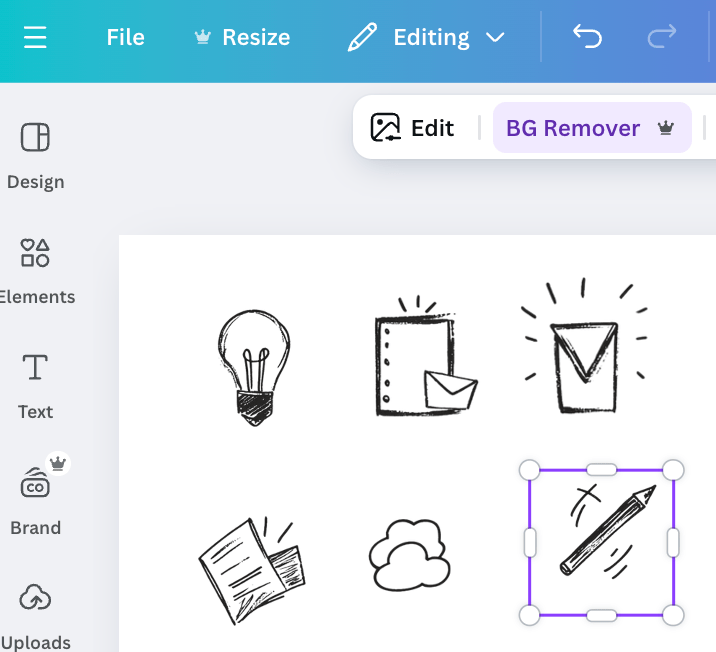
Now that you have your selected icons and illustrations it’s time to clean up and format. In this step we create transparent assets with consistent sizing and scale. I personally use Illustrator or lately Canva to format assets after getting the final results from the AI.
The Future of AI in Corporate Design
As AI evolves, it’s changing how we think of art, design, and communication.
The best part?
It’s making design accessible to everyone.
You don’t need to be a pro to start—just dive in and try.
If you’re looking to simplify your presentations, improve communication, or bring new ideas to life, now’s the time to explore AI.
Art isn’t just what you create with your hands anymore—it’s about bringing ideas to life with today’s tools.
Join the newsletter
Practical insights on AI, leadership and innovation — every week.