
December 8, 2025
Experimenting With AI in Design Thinking Workshops

Experimenting With AI in Design Thinking Workshops: What I’ve Learned
Over the past months, I’ve been conducting AI design thinking workshops.
Using AI in design thinking workshops helps teams move faster and creates wow moments in the room.
It helps us get to early prototypes within minutes and prepare workshop deliverables with a click. Ideas turn into visuals in minutes, and teams feel the momentum right away. What used to take hours now takes a few prompts.
AI powers design thinking and gives people more space to think, explore, and make better decisions instead of getting stuck in time-consuming tasks.
And I see this only growing.
Every workshop shows me new possibilities, new patterns, and new ways AI can support people to create better outcomes.
My Journey With AI Design Thinking
I discovered design thinking in 2013 while working at a large OEM in Germany.
At that time, our company started running workshops to explore the future scope of a major system.
I still remember walking into a room filled with sticky notes, prototypes, and people from departments that rarely spoke to each other.
But the magic wasn’t the tools.
The magic was the structure.
Design thinking gave people a way to empathize, rethink assumptions, and uncover solutions that normal business meetings never touch.
From that moment on, I became a practitioner.
I’ve used design thinking in tech projects, innovation sprints, team alignment sessions, and everyday problem-solving.
For me, design thinking is a way to help people move from uncertainty to shared clarity.
It’s structured, but deeply human.
And now, AI is giving it a new layer of power.
What Is Design Thinking?
Design thinking is a human-centered approach to innovation and problem solving.
It combines empathy, creativity, and iteration to address complexity and coordination.
The journey usually moves through five stages:
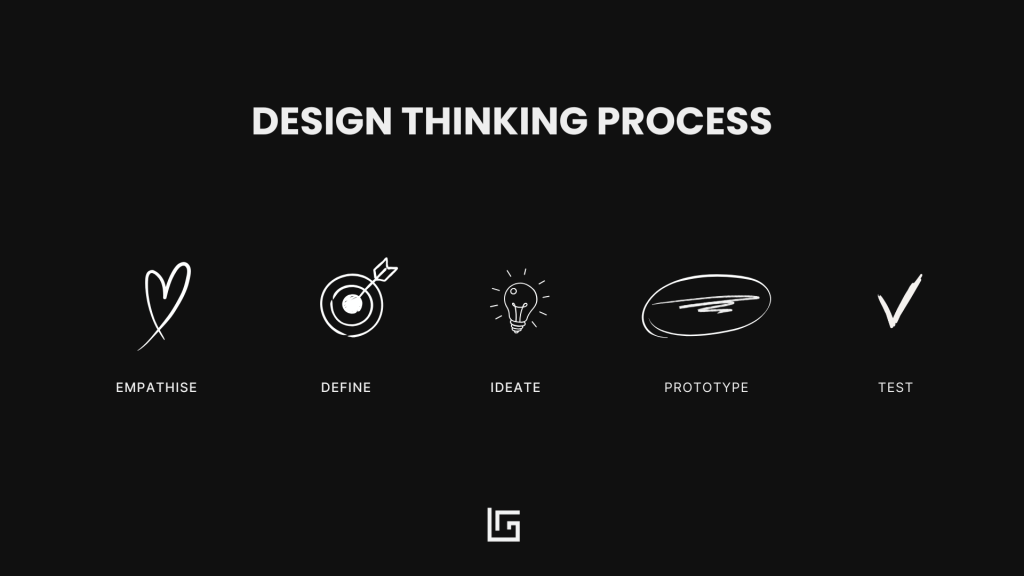
- Empathize: Understand users and their context.
- Define: Reframe the challenge based on insights.
- Ideate: Explore many possible solutions.
- Prototype: Bring ideas to life in tangible form.
- Test: Collect feedback and refine.
At its core, design thinking balances creativity with structure.
It helps cross-functional teams co-create solutions that truly serve people.
But now, with AI emerging as a creative partner, a new question appears:
How can we use AI to support design thinking without losing the human focus?
1. Empathize With AI
The Empathize phase is often slow. This is often done as preparation for the workshop.
Interviews.
Surveys.
Notes.
Hours of reading and clustering.
AI can process qualitative data in minutes.
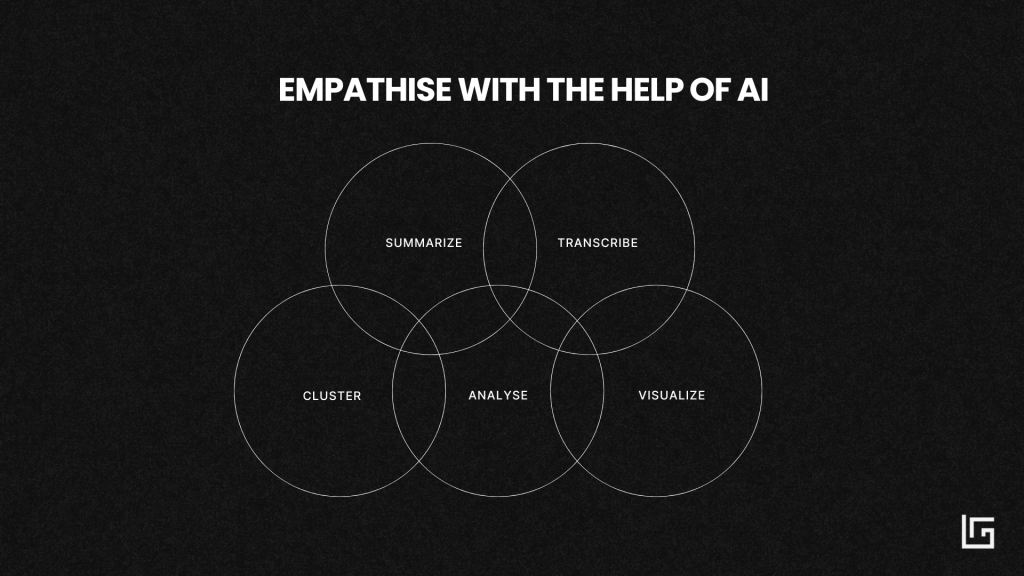
I use LLMs and tools like Claude, and Perplexity to:
- Summarize interviews.
- Transcribe conversations.
- Cluster information and group it with different lenses.
- Identify emotions behind user statements.
- Create first-draft personas based on real inputs.
In a recent workshop, AI we analyzed over 300 pieces of user feedback and surfaced recurring themes before the team entered the room.
This allowed us to begin with a sharper understanding of user needs.
AI can also visualize personas and create realistic character images, which helps teams connect emotionally with the people they design for.
2. Define with AI
The Define stage is about making sense of everything collected.
Traditionally, this takes time and a lot of sticky notes.
AI accelerates this sense-making.
It helps teams:
- Cluster insights automatically.
- Visualize links between user needs, blockers, and emotions.
- Draft “How Might We…” statements.
- Bring personas to life and even make them “talk.”
Lately, I’ve been using AI-generated persona dialogues to explain user pain points to stakeholders. It sounds simple, but it brings emotion and clarity to the process.
2. Ideate with AI
The Ideate phase is where AI becomes a true creativity partner.
Teams can generate:
- Hundreds of ideas quickly.
- Ideas from completely different industries.
- Visual variations of the same concept.
- User reaction scenarios.
- Role-play conversations.
The speed and diversity of ideas increase instantly.
And the team still decides what makes sense and what doesn’t.
This is where human judgment remains essential.
4. Prototype Faster With AI Tools
This is one of the biggest breakthroughs. Before AI, you needed skilled prototypers in the room, and most prototypes stayed very lofi. They often looked rough and had to be refined after the workshop, which slowed everything down.
Prototyping used to require tools, skills, and time.
AI has changed that.
Today, tools like:
- Claude
- Perplexity
- Midjourney
- Figma AI
- Galileo AI
make it possible to turn concepts into early prototypes in minutes.
With vibe coding you describe what you want, and AI creates a working prototype. Perfect for design sprints and workshops where speed matters.
Vibe coding skills still matter, and having a skilled vibe-coding facilitator in the room can make a big difference. It helps turn ideas into real prototypes faster and gives workshops that extra wow effect.
In AI and tech projects, this is gold.
You can generate first UI drafts, user flows, or screens almost instantly.
Teams see ideas instead of imagining them.
5. Test and Iterate With AI
Testing produces a lot of feedback.
Sometimes overwhelming amounts.
AI helps teams:
- Analyze open-ended responses.
- Detect sentiment trends.
- Map improvements based on user emotions.
- Identify what matters most before investing further.
This creates a continuous loop between humans and machines—fast, structured, and deeply insightful.
Why AI Design Thinking Matters for Tech Projects
In tech projects, teams often jump into the technical stuff too early.
Everyone gets excited about the system, the data, the architecture.
But in that rush, don’t always stop to think about the people who would use the technology or the ones who would be impacted by it.
And when you skip that part, you don’t get results.
You get resistance, confusion, and solutions that never land.
Design thinking changes that. It brings the focus back to people.
It helps us slow down enough to understand context, motivations, and people’s needs before writing a single line of code or building a feature.
Now, with AI in the picture, that balance becomes even more important.
AI speeds up everything around the process, but it can’t replace the human understanding that guides those decisions.
When you combine design thinking with AI, teams can:
- Define use cases that make sense for people.
- Take time to understand the motivations and requirements
- Spot risks and unintended consequences early.
- Prototype solutions fast that match how people work.
For me, this combination combination is super powerful. You can spend more time with people, and skip the busy work that doesn’t really add much value.
Design thinking AI – my take
AI-powered facilitation is becoming a real skill, and today’s facilitators need to learn how to work with AI in a way that feels natural.
That means using AI for prompts, storyboards, personas, quick prototypes, and live summaries, while still holding space for real conversations and human reflection.
AI can speed things up, but it cannot replace the connection that happens in the room.
To do this well, facilitators need new capabilities.
Prompt engineering.
Vibe coding skills.
Ethical awareness.
The ability to move across disciplines with ease.
And at the same time, the classic design thinking skills remain essential.
Empathy.
Curiosity.
Clear communication.
A genuine interest in the people involved.
For me, this is the new creative literacy.
A blend of human intuition and technical confidence.
A way of working where AI supports the process and gives teams more space to think and explore.
The future belongs to facilitators who can combine empathy, creativity, data, and experimentation.
And I am excited about a future where more people master these AI skills as we step into this next chapter of fast creation.
Join the newsletter
Practical insights on AI, leadership and innovation — every week.