
June 3, 2025
Learn AI Video
The Beginner’s Guide to Creating Videos with Artificial Intelligence
What if I told you that in 2025, you don’t need a film crew, a fancy studio, or even editing skills to make stunning videos?
AI has changed the way we create and interact with video.
Whether you’re a an educator visualizing lessons, or a creator sharing stories, AI video tools are putting the power of production right at your fingertips.
In this guide, we’ll break down how to learn AI video generation works in plain English, the best tools out there right now, what to watch out for, and how to get started.
What Is AI Video Generation?
In simple terms, AI video generation is the ability to turn text, images, or audio into a full video using artificial intelligence.
You type a sentence.
Upload a picture.
Add a voiceover.
And the AI takes care of the rest, generating motion, scenes, transitions, music, and more.
There are different types of AI video techniques:
- Text to video: Write a prompt, get a video.
- Image to video: Animate static images into dynamic motion.
- Video summarizers: Condense long videos into highlights.
- AI video transcribers and translators: Turn speech into text, across languages.
- AI video analyzers: Offer deep insight into viewer engagement, pacing, and visuals.
How Does AI Video Generation Work?
Let’s break it down simply:
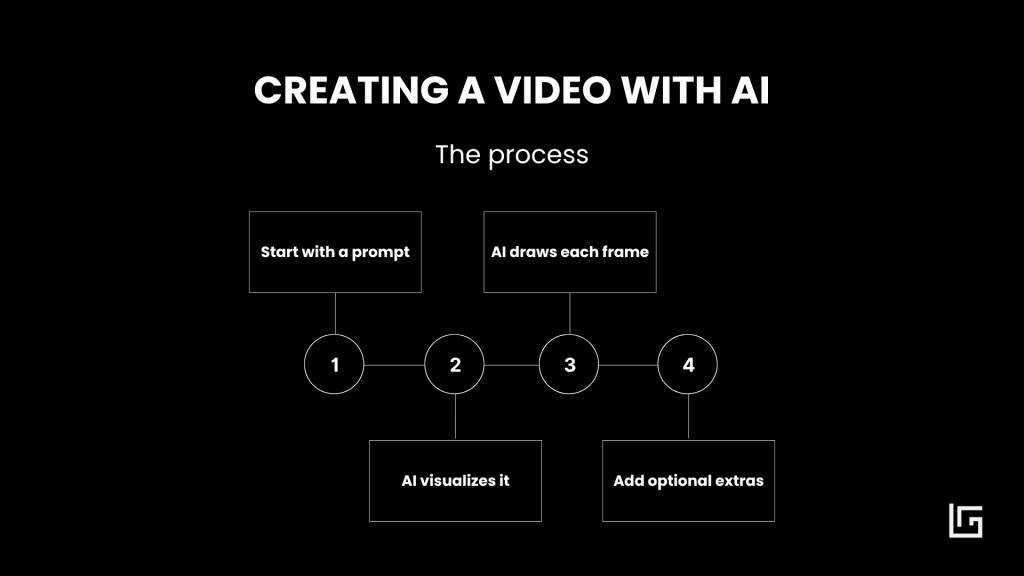
1. You input an AI video prompt
You start with a prompt. This could be a sentence like “A person walking through a futuristic city,” or a still image, or even a voice recording.
2. AI imagines what that looks like
The AI then predicts what that should look like. AI video generation models are trained on millions of images and videos, so they’ve seen what walking, cities, and futuristic settings tend to look like.
3. It builds your video frame by frame
Once it has an idea, the AI draws each frame, one by one, and stitches them together into a video.
4. Add optional extras
Some tools even add background music, voiceovers, translations or subtitles.
And just like that, a video is created.
Best Use Cases for AI Video in 2025
As an educator, I find AI video generation tools very useful.
Here are some examples I’ve used it for:
- Explain complex topics visually.
- Turn written content into videos for YouTube, LinkedIn, or Instagram.
- Generate quick how-to videos from help articles.
- Create stories for my kids, for presentations and for speeches.
If you have a message to share, AI video can help you say it better and faster.
Learn AI Video Generation: Best AI Text to Video Tools in 2025
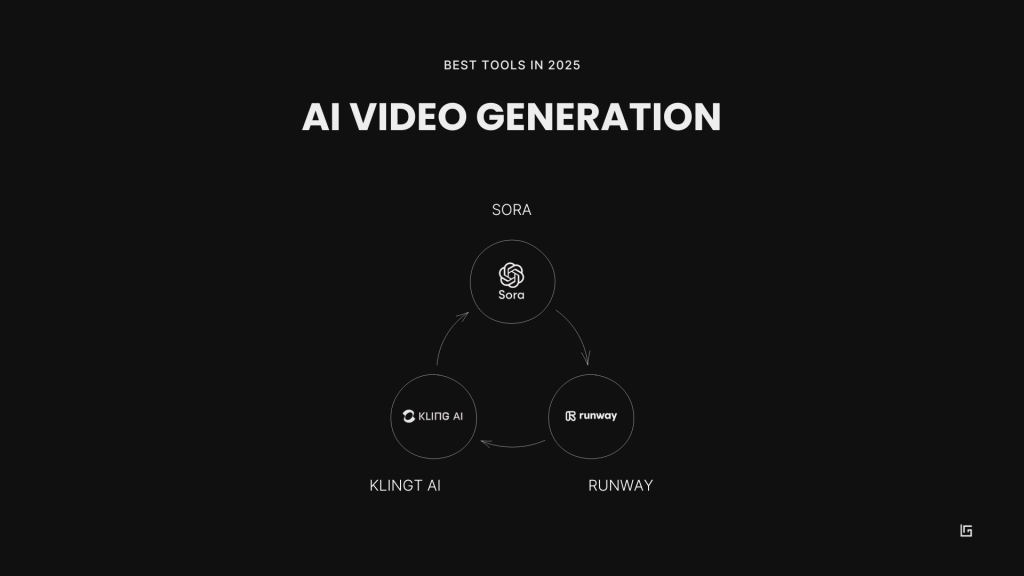
Here are three of the best tools in the market today, compared side by side.
| Feature | Sora (OpenAI) | Kling AI | Runway |
| Text-to-Video | Yes (up to 1 min) | Yes (1080p, high fidelity) | Yes (detailed prompts) |
| Image-to-Video | Yes (animates stills) | Yes (complex animations) | Yes (motion, transitions) |
| Video Extension | Yes (extends scenes) | No | Yes (expand, interpolate) |
| Motion Control | Prompt-based | AI-driven | Full manual control |
| Output Quality | Cinematic | Ultra-realistic | Realistic or stylized |
| Ease of Use | Intuitive | Fast and simple | Accessible and feature-rich |
| Commercial Use | Yes (API or license) | Yes (free for commercial use) | Yes (varies by plan) |
Choose based on what matters most to you. Sora is great for cinematic visuals. Kling is incredibly fast and high-quality. Runway gives you more creative control.
AI Video Generation Problems to Know
AI video tools are exciting, but they are still developing and you might find some problems. Here are some current limitations to be aware of:
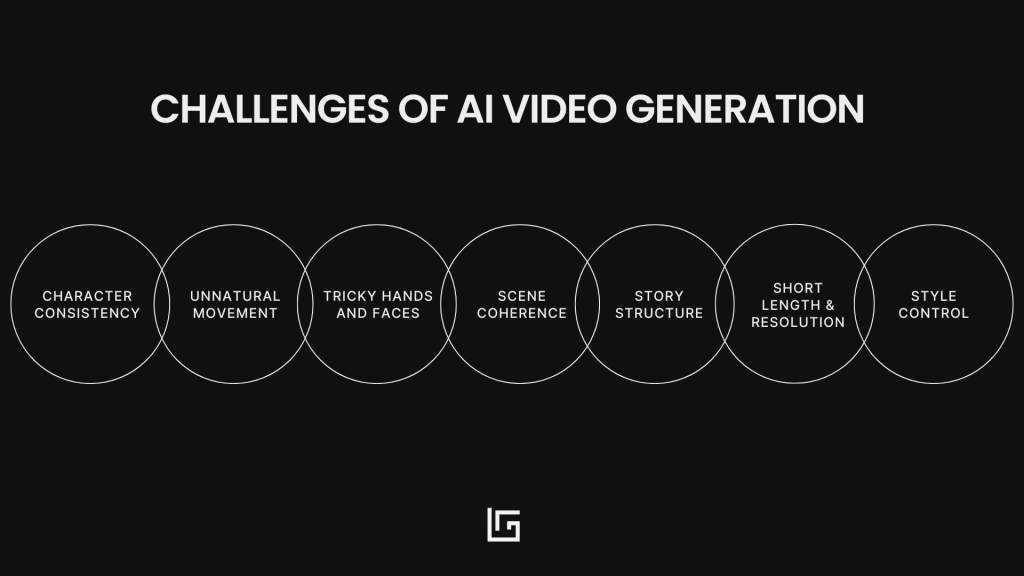
1. Lack of Character Consistency
Character consistency is a big one. Characters might change mid-video, with different clothes, facial features, or even sizes. AI has trouble keeping a visual memory across frames.
2. Movement is often unnatural
Unnatural motion is also common. People may walk stiffly, blink strangely, or move in unrealistic ways.
3. Hands and faces are tricky
Hands and faces are notoriously tricky. Expect to see odd expressions or six fingers occasionally.
4. Scene coherence is not easy
Scene coherence can be an issue too. A tree might turn into a house. A background might flicker. AI struggles with continuity.
5. Missing story structure
There is also limited control over storytelling. Most tools can generate clips, but not a structured narrative with a beginning, middle, and end.
6. Short Length & Resolution Limits
Video length and resolution are capped. Most tools still limit videos to 60 seconds and under 4K quality.
7. Style Control has limits
Lastly, if you’re creating branded content, style consistency may be a challenge. Matching colors, fonts, and visual tone across videos is still hard to do with AI.
AI Video Generators: What’s Coming Next
The future is moving fast. As models improve, these tools will get closer to professional video production standards.
Expect:
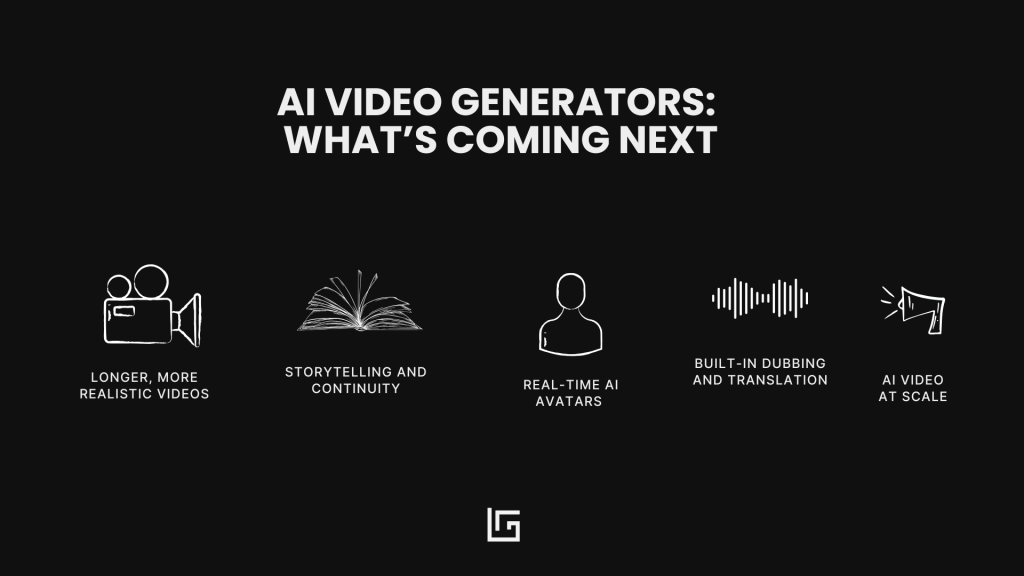
- Longer, more realistic videos
- Better tools for storytelling and continuity
- Real-time AI avatars for meetings and training
- Built-in dubbing and translation
- Fully personalized video content at scale
Learn AI Video Tools Fast
Learn AI video with these top courses
FutureTools Crash Course
A comprehensive guide covering tools like Runway and Synthesia.
Domestika: Creating AI-Generated Visuals for Creative Inspiration
Ideal for designers looking to enhance their creativity with AI.
Udemy: AI Video Production – Create Videos 100% with AI
Learn to create AI-driven video content from text and scripts.
My favourite AI video development YouTube Channels
Matt Wolfe – Future Tools
Weekly walkthroughs and tips on the latest AI tools.
Scott Detweiler
Visual storytelling and Runway tutorials for creatives.
TheAIGRID
In-depth explorations of experimental AI tools and applications.
Final Thoughts
Whether you’re making educational content, explainer videos, or just trying to get attention on social media, AI video tools can to help you work smarter and faster.
Try one today. Type a sentence. Upload an image. Press generate.
Let AI surprise you.
Join the newsletter
Practical insights on AI, leadership and innovation — every week.